People call almost everything a note.
Meeting notes. Lecture notes. Notes app. Sticky notes. Quick notes. Voice notes. Notes to self.
That is fine most of the time, but it hides something useful: not every piece of text is doing the same job.
Some text is finished enough to keep. Some text is only there to help you think. Some text is a checklist. Some text is a reusable block you will need again next week. Some text is a temporary holding area for things you have not sorted out yet. Some text is just trying to get you unstuck before it disappears again.
When all of that gets treated like the same kind of object, people end up with systems that feel heavier than they need to.
That is one reason so many “notes” tools either turn into archives or turn into little databases. The text may still be useful, but the shape of the work starts to disappear.
What I mean by working text
Working text is text that is still in motion.
It is not finished enough to publish, not stable enough to archive, and not always important enough to organize perfectly.
It might be:
- a rough meeting dump
- three bullets for an email you have not written yet
- a list of bugs to sort later
- a script fragment
- sponsor talking points
- a few links with one-line reactions
- a checklist inside a project note
- a paragraph you want to reuse later
- a reminder to ask someone something
The important thing is not the format. The important thing is that the text is still part of active work.
It is helping you think, sort, decide, draft, remember, or hand something off.
That is a different job from “store this forever in a big organized library.”
Why this matters
When people try to organize working text too early, they often create friction faster than they create clarity.
You can see it happen:
- too many folders
- too many categories
- too many fields
- too many rules for where something is supposed to go
- too much pressure to turn every rough thought into a finished object
That is how a small capture habit turns into admin.
And when the system starts feeling heavy, people usually do one of two things:
- they stop capturing useful things
- they dump everything into one place and promise to clean it up later
Both are understandable. Neither feels very good.
Finished notes and working text want different things
Finished notes usually want:
- stable structure
- good titles
- clear retrieval later
- fewer edits over time
Working text usually wants:
- low friction
- fast capture
- shallow organization
- room to change shape
- easy reuse
- a clear way to leave the workspace when it is ready
That does not mean one is better than the other. It just means they ask different things from the tool.
If you use a finished-notes mindset for working text, everything starts to feel too formal too early. If you use a pure scratchpad mindset forever, everything starts to feel messy and vaguely lost.
The sweet spot is a work surface that can hold rough material without pretending it already knows what it is.
A few kinds of text that are easy to confuse
It helps to separate a few common patterns.
Intake text
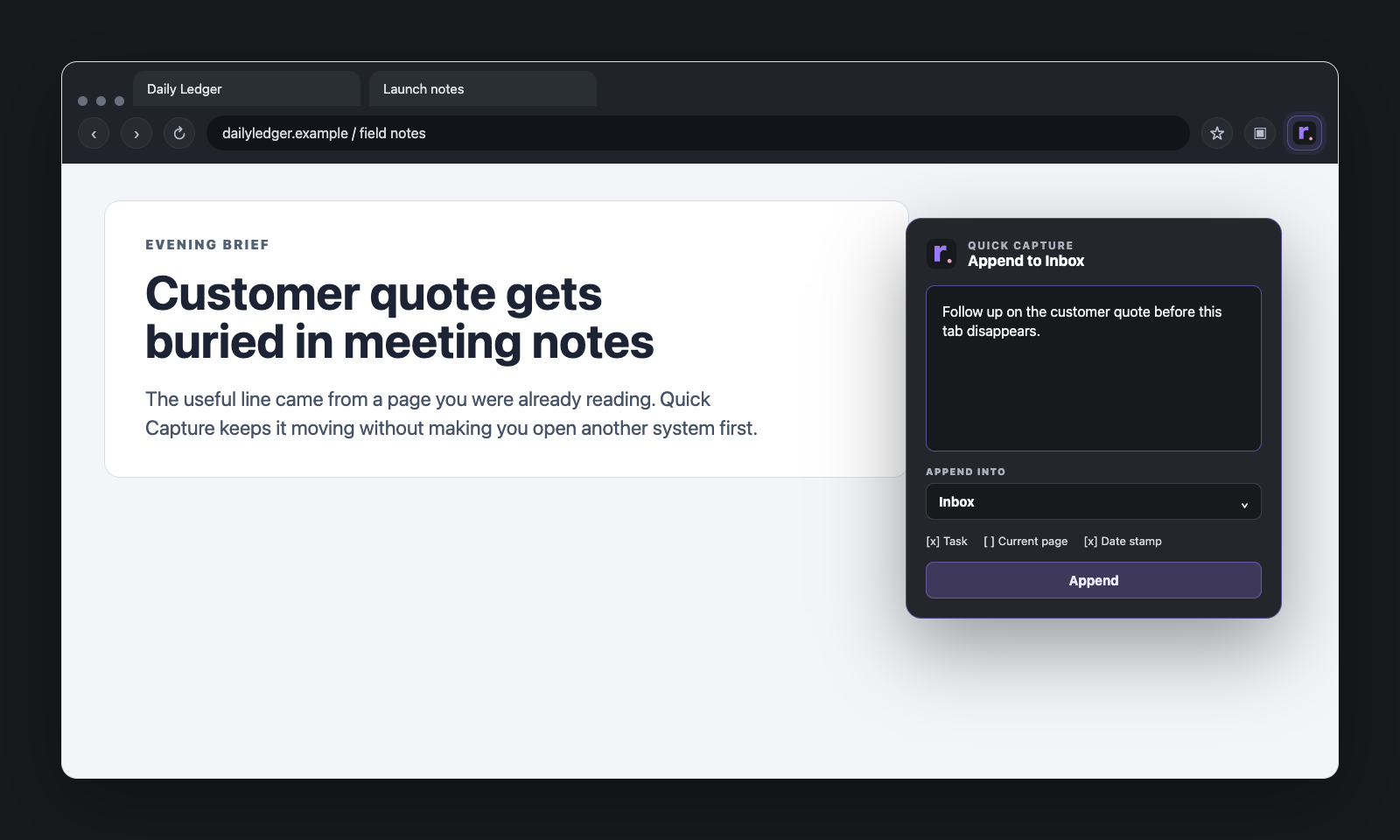
This is the stuff you catch quickly because you do not want to lose it.
- a thought
- a quote
- a request
- a link
- a follow-up
- a quick reminder
The main job here is capture, not sorting.
Active note text
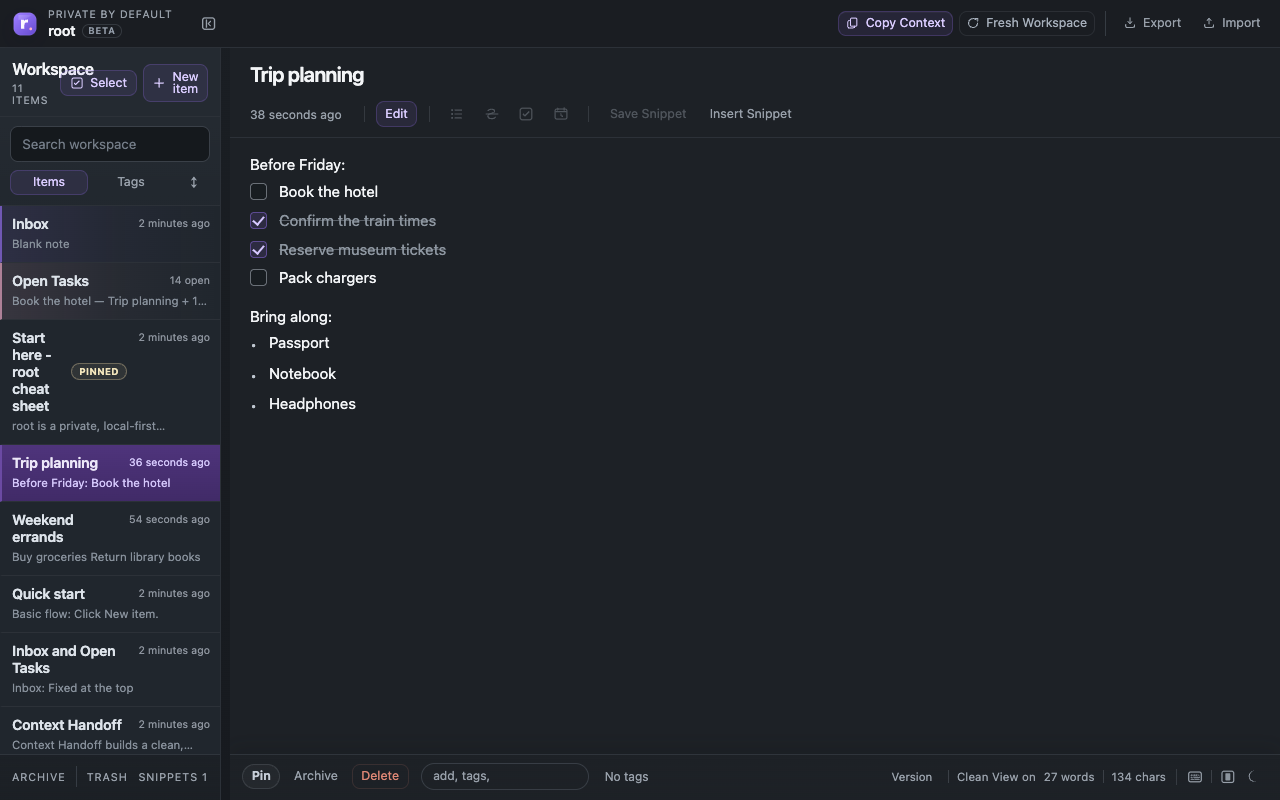
This is text you are still shaping. It might be the draft of a message, the body of a project note, a meeting prep page, or a running list of ideas. The main job here is to stay editable and easy to work with.
Task text
This is not some completely separate thing. It is still text, but text with a clear unfinished state. That matters because unfinished text usually wants a rollup somewhere without needing a separate task database.
Reusable text
This is the stuff you keep reaching for: a short bio, a support reply, project boilerplate, recurring instructions, or prompt fragments. It does not belong in the middle of the active note list forever, but it also should not disappear into a dead archive.
Handoff text
This is the slice that needs to leave the workspace: for a message, for a doc, for a teammate, for an AI tool, or for a saved PDF. This is where scope starts to matter a lot.
Most people do not need another giant archive. They need a better middle.
What makes a working-text tool feel good
A working-text tool does not have to be complicated. It just has to respect the stage the text is in.
That usually means:
- an easy place for rough intake
- a way to pull tasks out of plain text
- lightweight projects instead of heavy structure
- a place for reusable text that does not clutter active work
- a way to share or copy only the slice you actually need
- recovery tools so you do not feel punished for moving quickly
You do not need ten layers of productivity language for that.
You mostly need a calmer relationship between rough text and useful structure, where the text can move before it has to be perfect.
Why this matters even if you already have a notes app
A lot of people already have somewhere to keep long-term notes. That is not the problem.
The problem is usually the space between catching something quickly, doing real work with it, and turning it into something you can send, reuse, or finish.
That middle zone is where a lot of daily work actually lives.
It is not polished enough for a proper document yet. It is not disposable enough to ignore. It is not stable enough to archive.
That is working text.
And if a tool helps you in that middle zone, it can be more useful than a much bigger system.
How this shows up in root
This is one of the reasons root uses words like Inbox, Open Tasks, Snippets, and Context Handoff instead of pretending everything is one flat note type.
The text is still plain. The structure is still light. But the roles are a little clearer.
Inbox says: you do not need to know what this is yet.
Open Tasks says: unfinished lines can stay in normal notes and still be visible.
Snippets says: reusable text should stay easy to reach without clogging the main workspace.
Context Handoff says: when something is ready to leave, choose the right slice instead of dumping the whole pile.
None of that requires a giant system. It just requires acknowledging that working text is doing more than one job.
Closing
Not every rough thought needs a permanent home. Not every useful line needs a database field. Not every active note needs perfect organization.
Sometimes you just need a place where text can still be in motion without becoming chaos.
That is what makes working text different from finished notes.
Finished notes want stability. Working text wants progress.
Once you feel that difference clearly, a lot of tool decisions start making more sense.