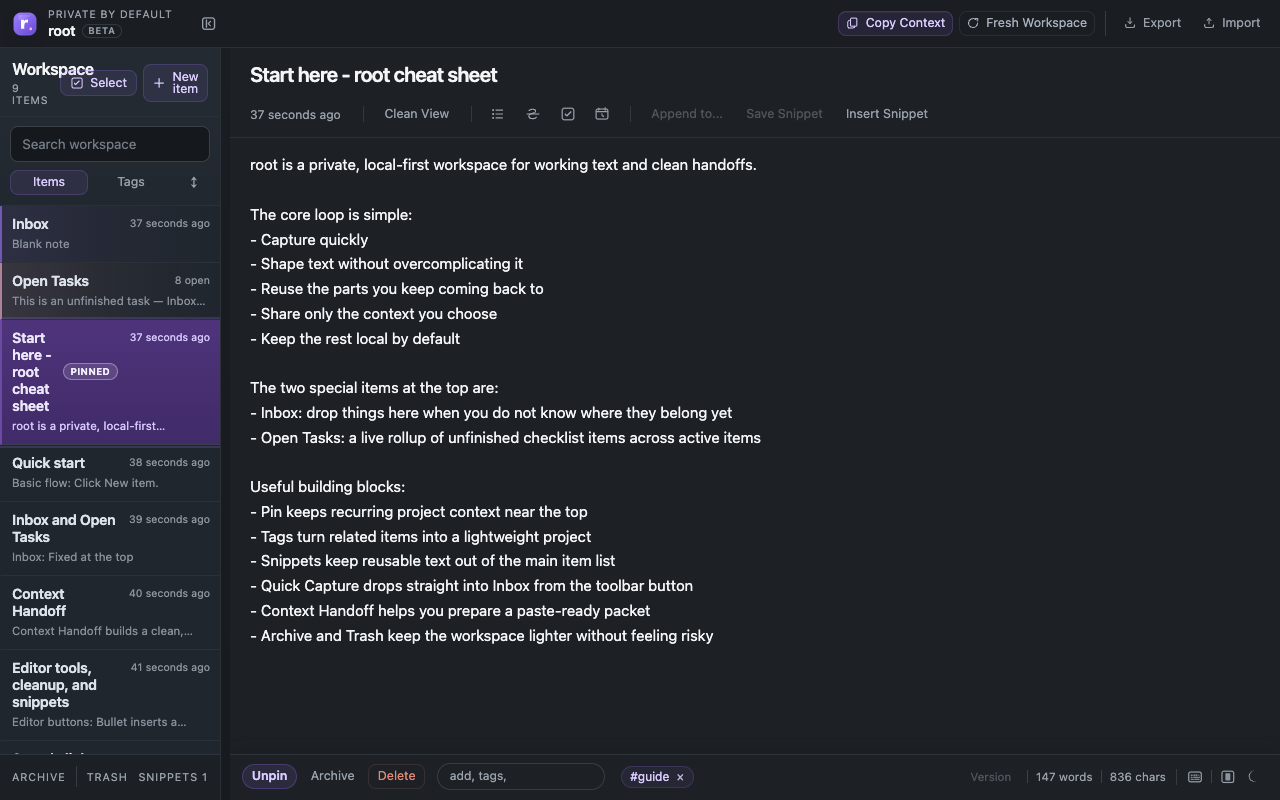
One of the hardest things to explain about root is also one of the most important: it is usually not replacing every other tool.
People already understand a notes app, a document editor, and an AI chat window. root sits in a different place. It is the tool for the active text in the middle: the rough note, the open checklist, the reusable fragment, the captured link, and the smaller packet you want to hand off.
root beside a notes app
A notes app is usually best when you want long-term storage, calmer retrieval later, or a broader archive. root is better when you want fast capture, a visible Inbox, reusable text close at hand, and a cleaner handoff boundary.
Example: in Apple Notes you might keep the final clean packing list and itinerary for a trip. In root you might keep the rough planning, links, comparisons, questions, and checklist lines while the plan is still moving.
root beside docs
A document editor is usually best when you want polished writing, collaboration, or a finished memo. root is better before that stage.
Example: for a launch email, root might hold subject line ideas, rough bullets, constraints from the team, and a few task lines for who still needs review. The final draft can still happen in a doc or email tool.
root beside AI tools
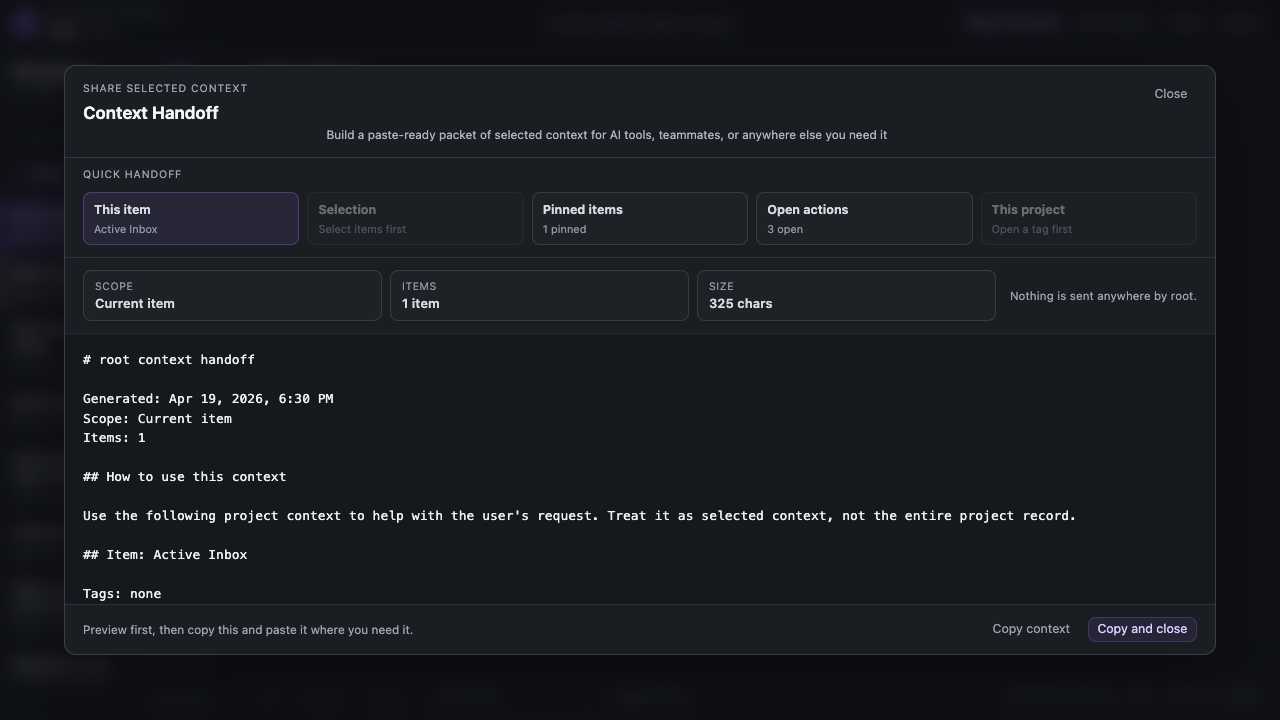
AI tools are good at rewriting, summarizing, generating options, and synthesizing a packet. They are usually not the best place to keep the whole working pile.
That is where root helps. Instead of treating the AI window as your storage layer, root gives the working text somewhere to live first. Then you can hand off the current item, selected items, open tasks, or just the links.
root beside a task manager
A full task manager is best when due dates, reminders, recurring work, or collaboration are central. root is better when the unfinished items are part of active notes.
Example: `email finance` as a task line in root can sit next to the exact context, attachment note, and blocker. Open Tasks gives you the rollup without tearing that task away from its note.
root beside browser tabs
Tabs are where a lot of work starts. They are not where a lot of thinking finishes. Quick Capture is the clearest example of where root fits: you are on a page, you catch a note, you append it to Inbox, and you keep going.
Tabs are where you find things. root is where you shape working text. Docs are where you finish things.
Four everyday examples
Developer
Docs page open in the browser, Quick Capture saves a bug note into Inbox, the bug note grows task lines and possible fixes, selected items go into AI for one debugging packet, and the final explanation ends up in a ticket or PR.
Student
Tabs hold sources, root holds quotes and open questions, selected research notes go into AI for synthesis, and the final paper draft happens in a doc.
Executive assistant
Email and calendar create the incoming work, root holds rough prep and follow-ups, AI helps clean one packet when needed, and the final polished output goes back into email.
Content creator
Tabs hold references, root holds hooks and sponsor notes, AI helps with trims or options, and the final script draft happens somewhere more polished.
Closing
The best tools often do not win by replacing everything. They win by doing one important part of the workflow unusually well. root fits beside notes, docs, and AI tools by handling the rough, active, reusable, handoff-ready text in the middle.