A lot of people eventually decide they need a prompt library.
That usually happens for a good reason. You find a prompt that gets better meeting notes, a support reply starter that saves time, or a tone guide you keep pasting again and again. So you save it somewhere.
Then you save another one, then a few variants, then a folder full of near-duplicates. Suddenly the prompt library feels like another little archive you do not actually want to maintain.
A prompt library is really just reusable working text
Most prompts are not precious artifacts. They are reusable text blocks.
That might be:
- a tone guide for outreach emails
- a format for turning a meeting dump into bullets
- a support reply starter
- a research framing paragraph
- a few lines that tell an assistant how you like answers structured
Sometimes the whole prompt matters. Sometimes only a fragment matters. A good library should handle both.
The easiest ways to make a mess
Saving every small variation
Instead of one good outreach prompt plus a few fragments, people end up with `outreach v1`, `outreach v2`, `outreach short`, `outreach friendly`, and so on. The collection grows, but clarity shrinks.
Mixing reusable text with active work
If every saved prompt lives in the same list as bug notes, research notes, and meeting prep, the reusable pieces start to feel noisy.
Saving full prompts when only one line is special
Sometimes the useful part is just `Keep the tone direct and low-drama.` Saving the whole prompt every time creates duplication.
A prompt library should feel like a drawer of useful tools, not a second job.
A calmer structure
The simplest prompt libraries usually have only three kinds of reusable text:
Full prompts
These are complete enough to use almost as-is. Example:
Turn this rough meeting dump into: decisions, open questions, follow-ups, and risks. Keep it concise and avoid repeating the same point in different sections.
Prompt fragments
These are pieces you combine with other text:
Answer in bullets first, then add one short paragraph.Flag anything that sounds like an assumption rather than a fact.If the context is messy, organize it before answering.
Repeated context
This is the background you keep needing: product facts, writing preferences, project rules, or recurring instructions.
What this can look like in root
In root, the cleanest place for this is usually Snippets. That keeps reusable prompt text available without stuffing it into the main active note list.
A simple setup might look like this:
Support reply toneResearch summary formatWeekly planning promptBug triage checklist
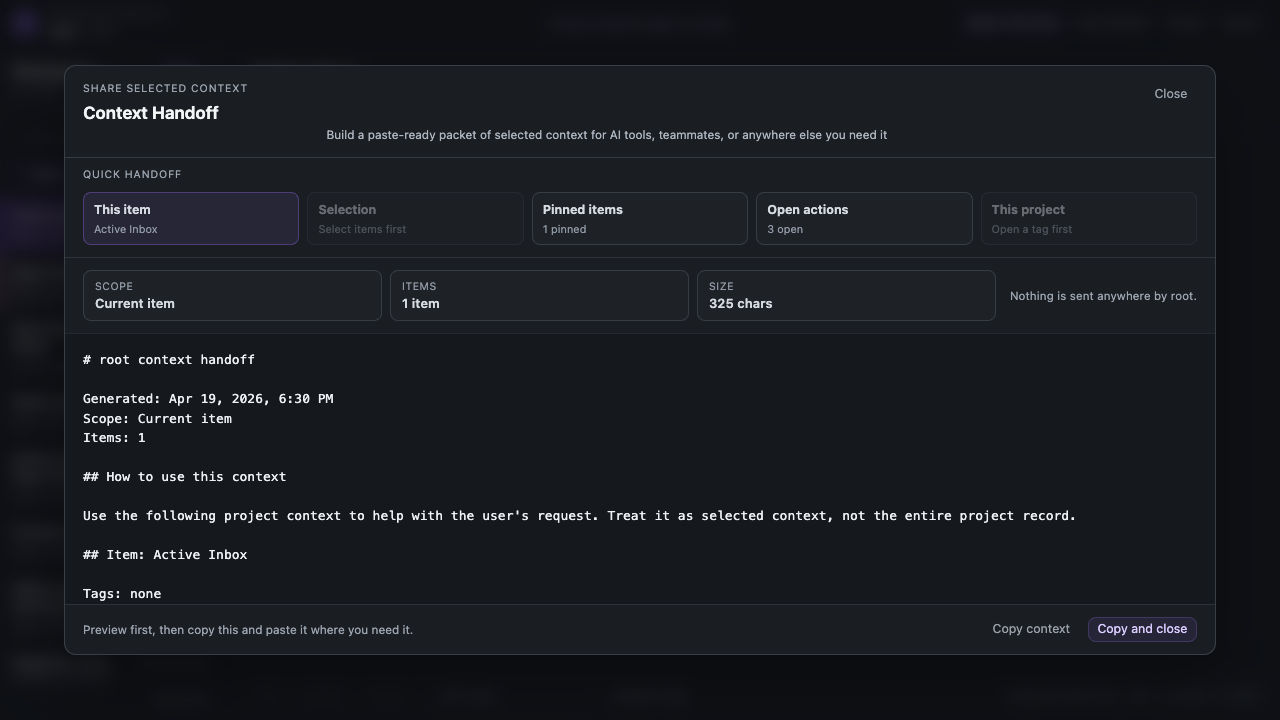
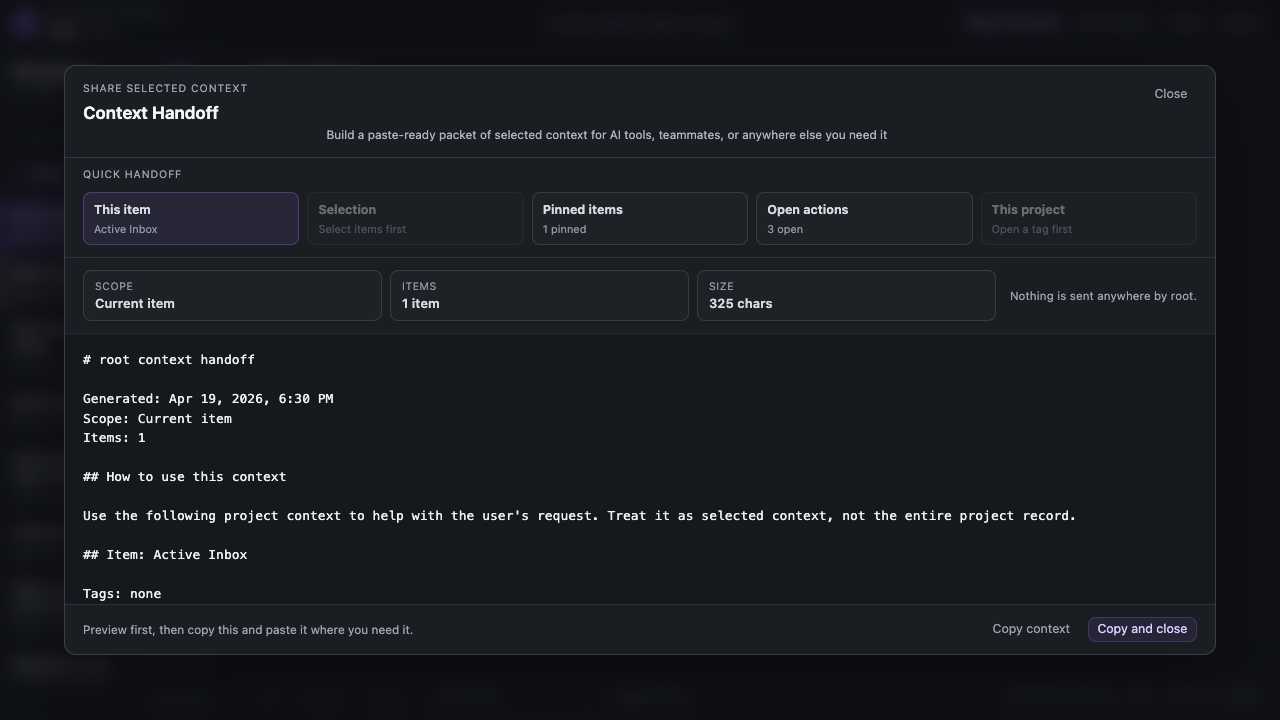
Then when you open Context Handoff, you can add one of those saved prompts on top of the packet before it leaves root.
A few concrete examples
Support replies
Instead of saving fifteen full replies, keep one `support tone` snippet, one `troubleshooting checklist` snippet, and one `beta expectation setter` snippet. Then combine the right pieces when a real email arrives.
Content planning
If you keep asking for the same kinds of help, save the modular parts:
turn rough notes into an outlinemake this less stifftrim to a stronger hook
Research synthesis
A repeated output format like `summary, contradictions, open questions, next steps` is often more valuable as a snippet than as ten different full prompts buried in old notes.
A simple rule that helps
Before you save something, ask:
Will I realistically use this again, or am I just afraid to lose it?
That one question prevents a lot of dead weight.
Closing
A good prompt library should make repeated work easier, not create a whole new maintenance habit. Save fewer things, prefer reusable fragments, and keep them in a place that stays close to the work. That is usually enough.