Research gets messy fast.
You open too many tabs. You copy a few quotes. You save some links. You jot down reactions. You realize two sources disagree. Before long, you have a browser full of tabs, a rough note somewhere, and a half-built draft that is trying to do too many jobs at once.
The problem usually is not that you have too little information. It is that the useful material has not found a good middle place yet.
What a staging area is for
A research staging area helps you hold:
- links
- copied passages
- your own reactions
- open questions
- contradictions
- next steps
Not a final archive. Not a polished doc too early. Just a good working surface while the material is still turning into something.
Why root fits this well
root works well here because it is good with active text that has not settled down yet. You can keep:
- an Inbox capture stream
- a few project-tagged items
- task lines inside notes
- snippets for repeated synthesis prompts
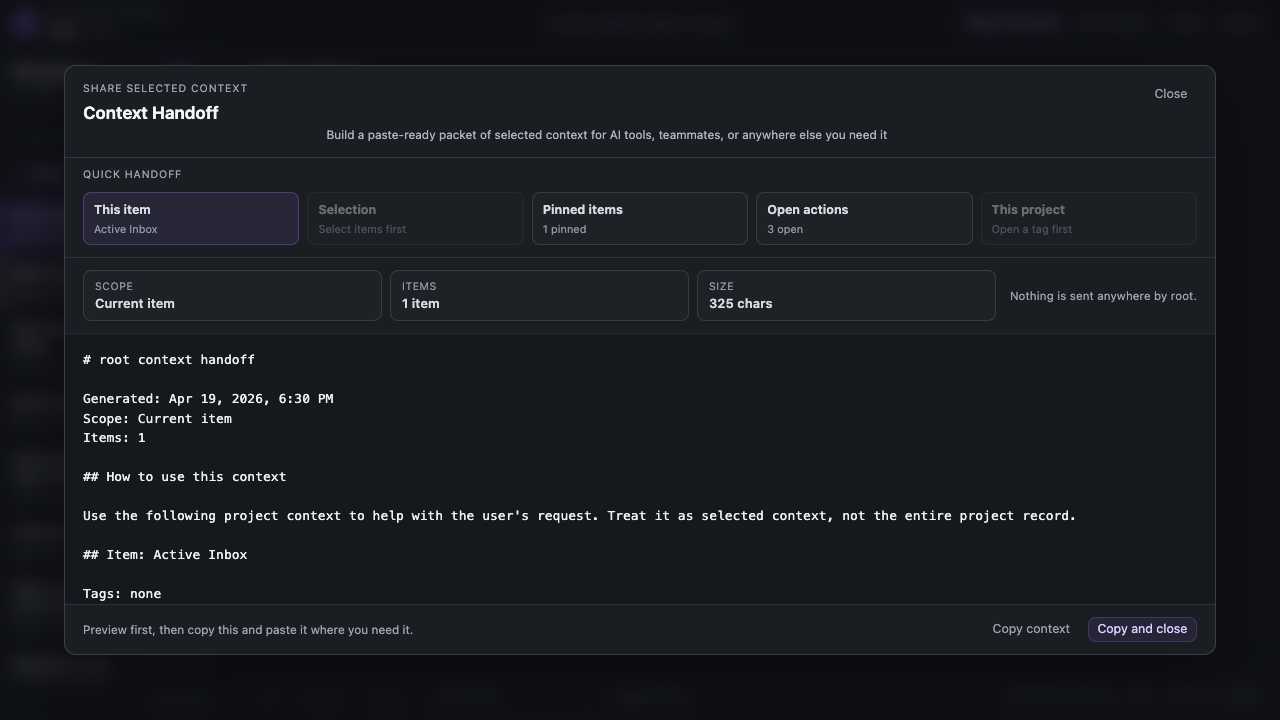
- a context packet when you want help on the current slice
A simple setup
1. Catch raw material quickly
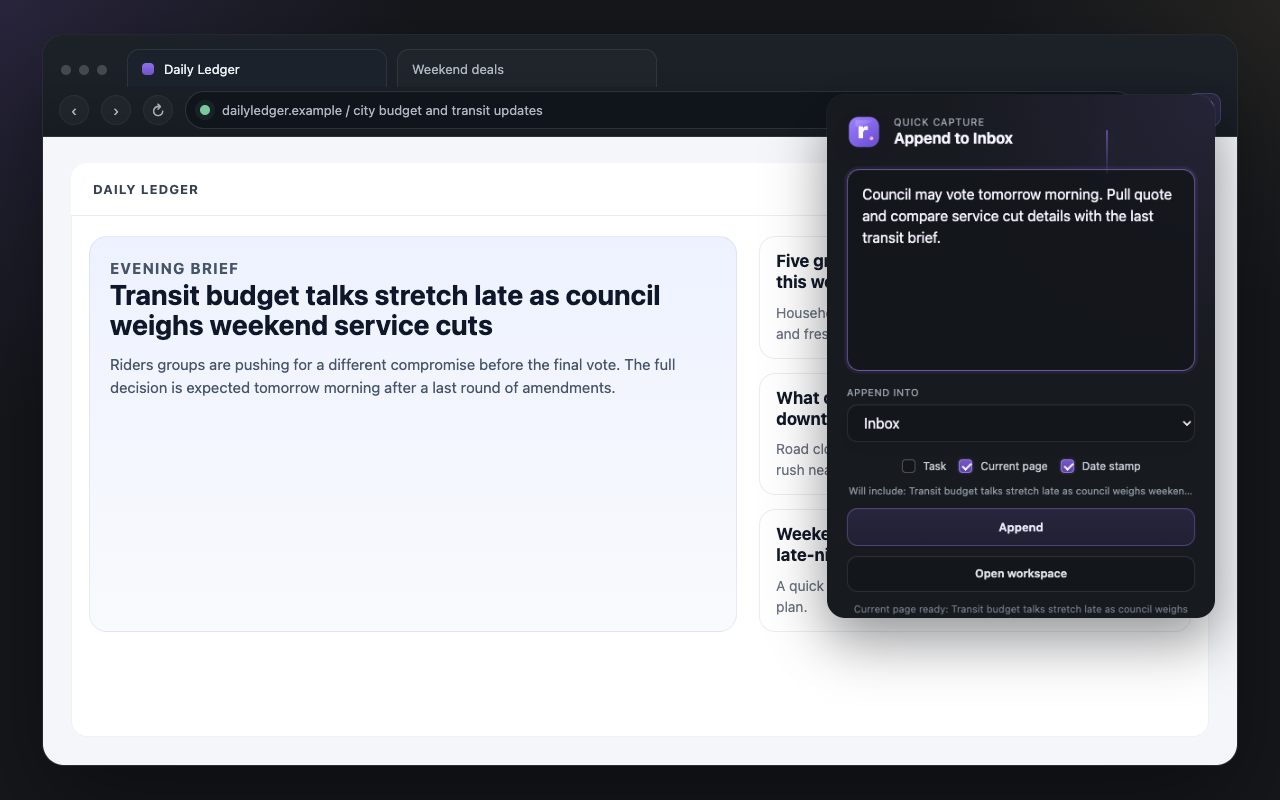
Start by dropping rough research into Inbox or a project-tagged item. That could be a copied quote, a current-page capture, a short note like
strong source on FTC timeline, or a list of questions you want answered.
2. Split the pile into usable items
Once the pile gets big enough, separate it into a few working notes.
Example for a piece about local-first software:
local-first definitionsproduct examplesrisks and tradeoffsquotes worth reusing
3. Let task lines live inside the research
Research always creates follow-ups:
- [ ] verify the 2024 date- [ ] pull one source that argues the opposite- [ ] write short summary for the opening section
Those can stay in the same notes. Open Tasks will still roll them up later.
4. Save repeated research moves as snippets
If you often ask for the same synthesis shape, save the reusable parts:
summarize this source in 5 bulletspull claims, evidence, and open questionslist contradictions between these sources
Three concrete examples
Writing a blog post
You might keep one note for copied references, one for questions to verify, and one for opening angles. When you want help synthesizing, hand off just the `references` and `questions to verify` slice instead of the whole workspace.
Student research
Instead of forcing every source into a polished note immediately, keep separate items for `source reactions`, `quotes and citations`, `counterarguments`, and `paper outline ideas`. The material stays smaller and easier to think with.
Product research
You might keep notes like `competitor pricing`, `onboarding notes`, `user complaints`, and `things we might borrow`. Each note can hold checklist lines, links, and your own reactions without pretending it is already the final report.
Why not just use a doc from the start?
You can, but a final doc often asks too much too early. A document wants shape. A staging area wants motion. If you are still gathering, reacting, and sorting, a doc can start to feel too formal.
Closing
Research is easier when it has a middle place to live. Not a final archive. Not a polished draft too early. Just a staging area where links, notes, questions, tasks, and useful fragments can sit together long enough to become something.